


Documentation
Complete guide to using Pedigree for your racing pigeons. Learn how to effectively use all features.
Getting Started
Learn the basics of using Pedigree and set up your first fancier account.
Welcome to Pedigree
Pedigree is a modern online tool for managing pedigrees of racing pigeons. Create professional pedigrees, track breeding pairs, and manage your pigeon collection easily.
Creating Your Account
Sign in using your BENZING Live account. After signing in, you can create your first fancier record to start managing your pigeons.
Creating Your First Fancier
Think of a fancier as a "container" or "loft" for your pigeons - not necessarily tied to where the birds originated. Create separate fanciers when you need to organize pigeons into distinct groups. For example: one fancier for your own loft, another for pigeons you manage for a friend, or separate fanciers if you race under different federation registrations.
Adding Your First Pigeon
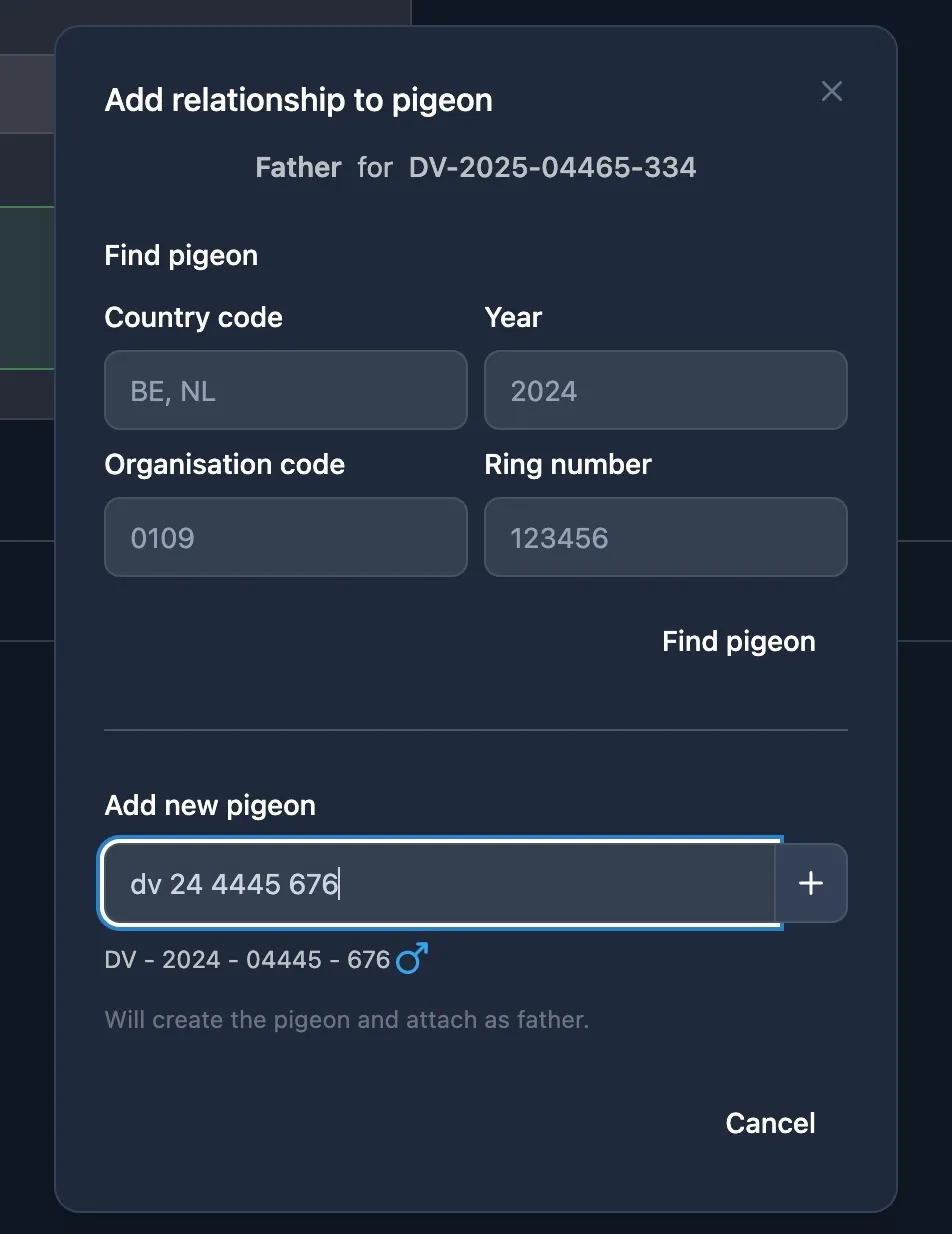
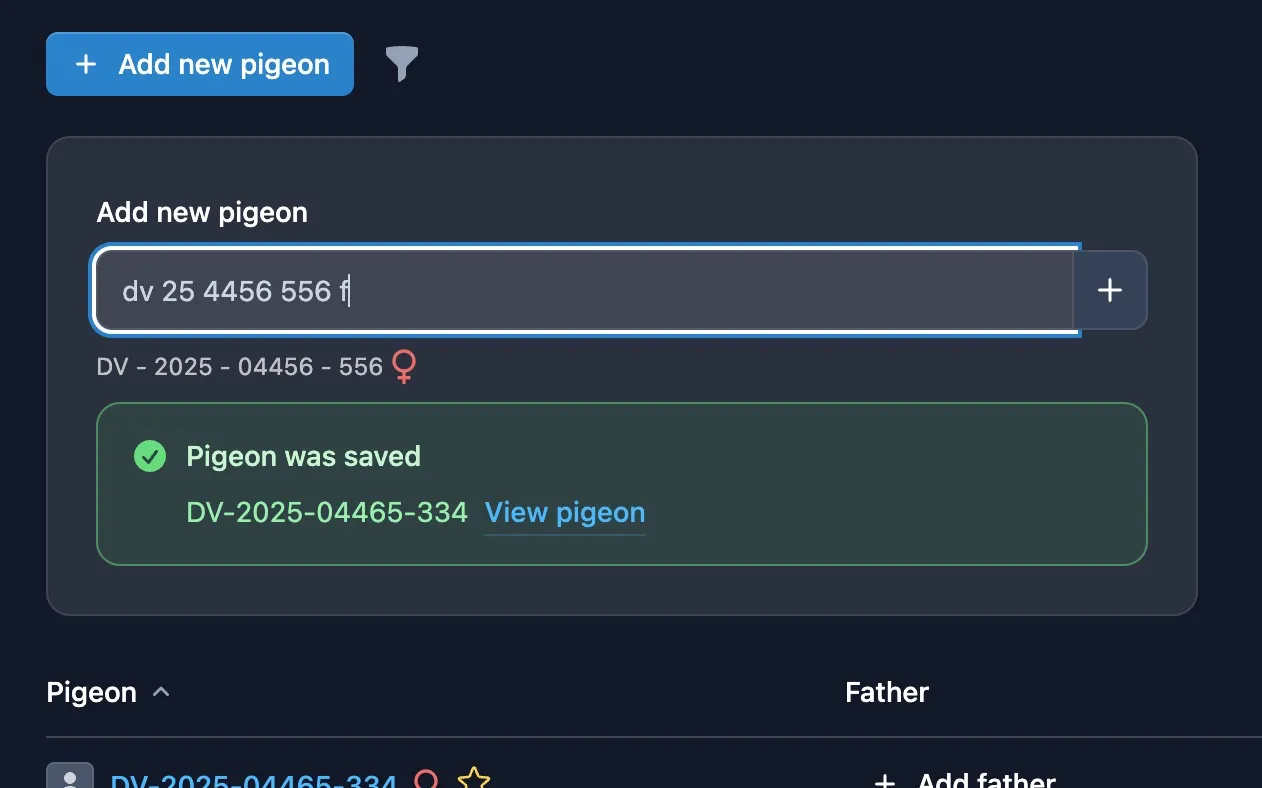
Add pigeons manually by entering ring data. The correct order is always: Country - Year - Organization (if applicable) - Ring Number. Separators can be spaces, dots, commas, or dashes.
If you add any character after the ring number, the pigeon is marked as a hen; otherwise it defaults to cock. Your input is validated in real-time with feedback shown below the field.
You can also import pigeons from MyPigeons if your fancier is connected - this saves time and preserves parent relationships automatically.
Importing Fanciers from MyPigeons
If you already use MyPigeons, you can import your connected fanciers directly. This links your Pedigree fancier to your MyPigeons fancier record, enabling pigeon import and race result synchronization later. Even if you create a fancier manually, you can always connect or disconnect it from MyPigeons in the fancier settings.
Creating Your First Pedigree
To build a pedigree, simply add a father or mother to any pigeon. You can search for an existing pigeon in your collection or create a new one on the spot. Once the parent relationship is saved, the pigeons are automatically connected in the pedigree tree.